
J
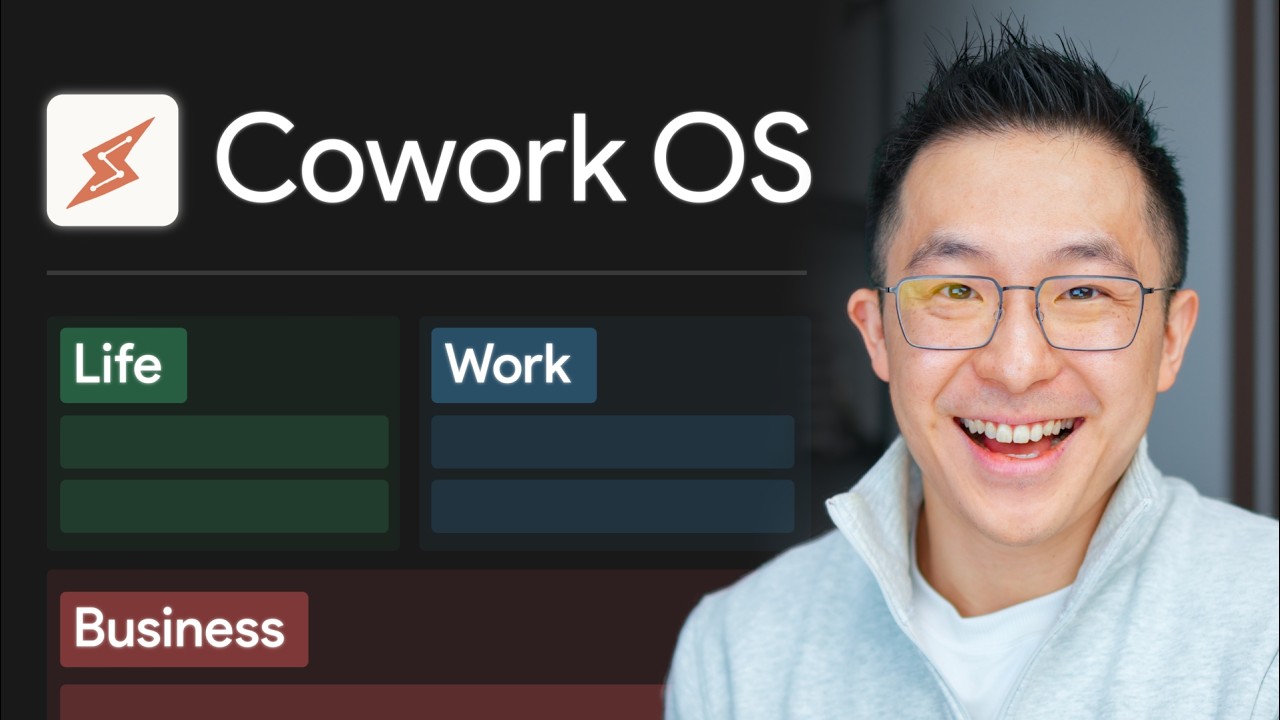
Jeff Su·TechTop 5 Claude Cowork Tips I Wish I Knew from Day One
TL;DR
Five foundational Claude Cowork setup tips covering file management, token efficiency, and project migration to avoid costly mistakes from the start.
Key Points
- 1.Use Obsidian as a free markdown reader for Cowork files. Install Obsidian, point it to your Cowork folder, and all MD files render with proper headings and formatting — making editing far easier without touching Claude's interface directly.
- 2.Keep your root claw.md under 300 lines to cut token waste. Trimming from 600 to 250 lines reduced one user's token usage by ~25%; move task-specific rules to reference files with one-line pointers instead of loading them every session.
- 3.Separate prescriptive rules from factual memory using two clear tests. If an entry uses 'always/never' language, it belongs in claw.md; if it describes a changeable fact or status, it belongs in memory.mmd — mixing them tanks output quality.
- 4.Apply a memory diet: 150-line ceiling, structured sections, and an archive.mmd. Root memory.mmd should have active projects, scheduled tasks, and core facts; when it hits 150 lines, Cowork auto-archives old entries to archive.mmd, which isn't loaded each session so it has no token cost.
- 5.Migrate Claude Projects into Cowork to eliminate editing and memory limitations. Project instructions become a workstation claw.md, project memory becomes memory.mmd, and knowledge files go into a resources folder — enabling direct edits and structured, compounding context.
- 6.Distinguish workstations from skills by asking 'place I work vs. thing I do.' Workstations handle ongoing areas with accumulated context (e.g. newsletter HQ); skills are repeatable, autopilot checklists with predictable outputs (e.g. subject-line scorer, workspace audit).
Continue yapping less
 21:18
21:18Jeff Su
Claude Cowork for Beginners: Build Your Own Jarvis
 0:58
0:58Jeff Su
Most people get these 3 AI terms wrong
 18:55
18:55Jeff Su
Learn 80% of Claude Cowork in Under 20 Minutes
 20:31
20:31Jeff Su
NotebookLM Changed Completely: Here's What Matters (in 2026)
 21:32
21:32AI Explained
Two Rival Bets on AGI: Google I/O Highlights
 32:37
32:37NetworkChuck
I'm switching to Hermes (goodbye OpenClaw!!)
 17:21
17:21Mrwhosetheboss
I Investigated IKEA's Ridiculously Cheap Tech
 17:59
17:59Linus Tech Tips
Google's Most-Hated Announcement Ever
Life's too short for long videos.
Summarize any YouTube video in seconds.
Quit Yapping — Try it Free →