
C
Cochlear AmericasPair your Nucleus® 8 Sound Processor with a compatible Android™ device
TL;DR
Download the Nucleus Smart App, then pair your Nucleus 8 processor to Android by toggling it off and on to enable app features like volume control.
Key Points
- 1.Download and log in first. Install the Nucleus Smart App from Google Play, then set up or log into your Cochlear Account before pairing begins.
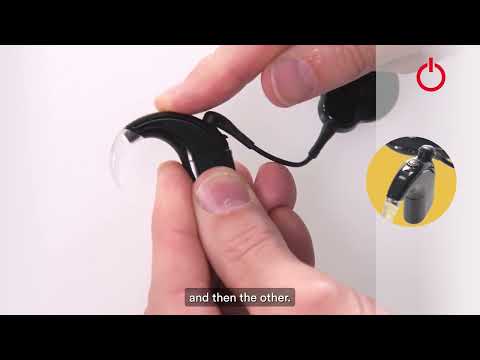
- 2.Pairing requires a power cycle. Turn both sound processors OFF then ON again simultaneously — the app detects them automatically, and tapping once initiates pairing.
- 3.Verification takes up to 30 seconds. After the Paired Processors screen confirms success, tap Verify and wait through the Preparing screen to unlock features like volume control, hearing tracking, and Find My Processor.
Life's too short for long videos.
Summarize any YouTube video in seconds.
Quit Yapping — Try it Free →